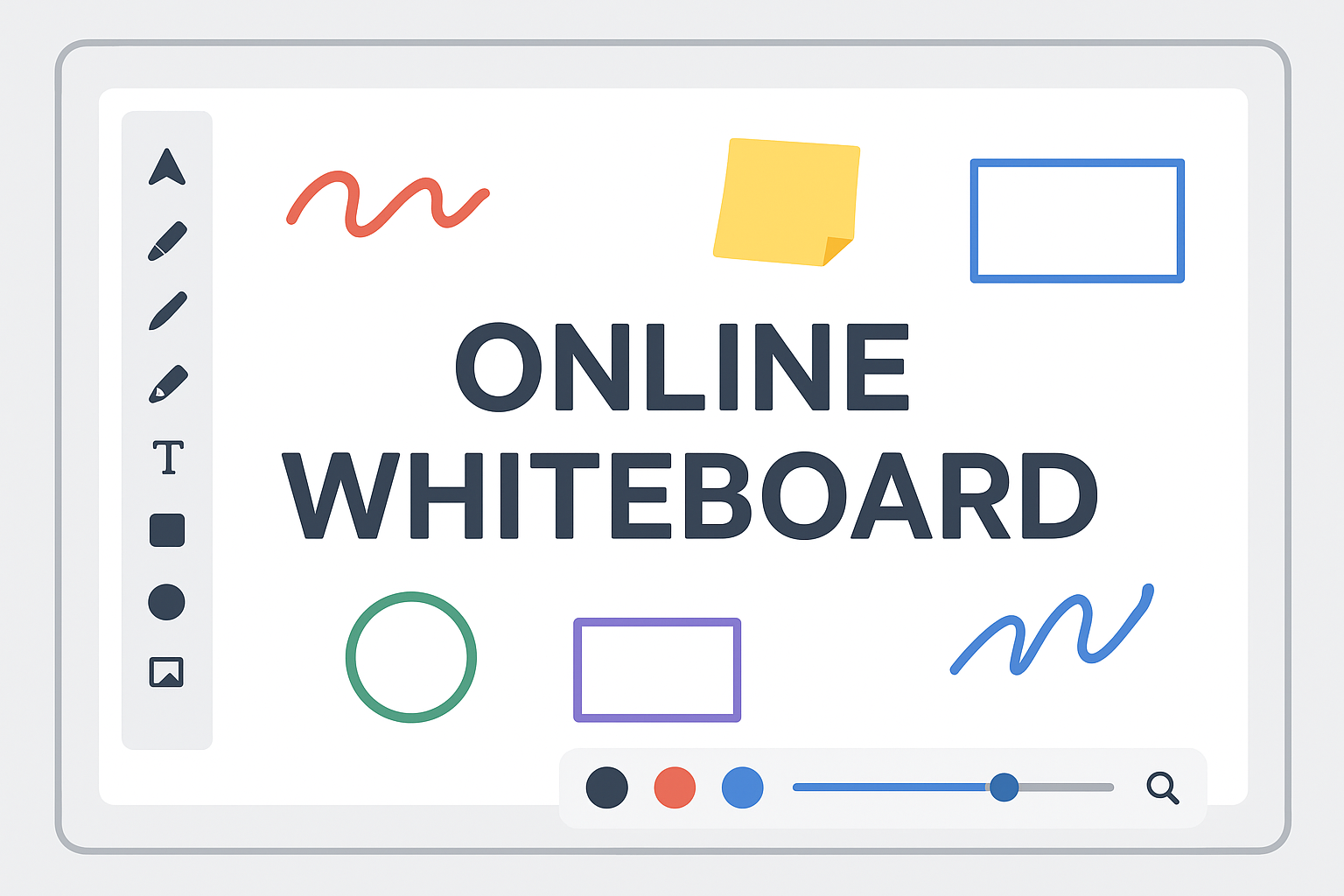
Online Whiteboard Tool – Free Interactive Drawing Board, PDF Annotation, Shapes, Notes & Multi-Page Canvas
In today’s digital era, users need a powerful, fast and intuitive online whiteboard tool that works directly in the browser—without installing heavy apps or plugins. Whether you are a student, teacher, designer, developer, office professional or someone who simply needs a clean space to draw ideas, annotate PDFs or collaborate visually, an online whiteboard becomes an essential productivity tool.
The OnlineCalcy Whiteboard is designed with a modern interface, smart drawing tools, shape creation, text writing, sticky notes, PDF importing, page navigation, zooming, undo/redo, minimap view, fullscreen mode and one-click export to PDF. It is lightweight, mobile-friendly, and works entirely client-side, making it fast, secure and privacy-friendly.
This detailed guide explains what the OnlineCalcy Whiteboard is, how it works, its features, and why it is one of the best free online whiteboard tools available today.
What Is an Online Whiteboard?
An online whiteboard is a digital canvas where you can draw, type, sketch, mark, design, highlight, and annotate freely using a mouse, stylus or touch. Unlike traditional whiteboards, an online board makes it easy to:
- Save work permanently
- Share or export as PDF
- Add multiple pages
- Add shapes, stickers, images
- Annotate documents
- Undo or redo endlessly
- Use it anytime from any device
The OnlineCalcy Whiteboard brings all these features into a single browser-based interface.
Why Use OnlineCalcy’s Whiteboard Tool?
The platform is built for speed and practicality. It is ideal for:
- Students taking notes or solving math/physics diagrams
- Teachers explaining concepts visually
- Designers drafting layouts and brainstorming
- Developers mapping UI flow or architecture
- Office teams planning projects and workflows
- Freelancers making sketches or client explanations
- PDF annotators marking and editing documents
- Whether you want a simple drawing tool or a multi-page creative workspace, this whiteboard fits every use case.
Key Features of a Powerful Online Whiteboard Tool
- 1. Multi-Tool Drawing System
- The whiteboard includes a dynamic collection of drawing tools such as:
- ✔ Pen Tool
- For smooth handwriting and drawing.
- ✔ Marker / Highlighter Tool
- Semi-transparent overlay to highlight text or diagrams.
- ✔ Pencil Tool
- Thin, sketch-like strokes for illustrations.
- ✔ Laser Pointer
- Useful for teaching and presentations.
- ✔ Eraser
- Soft white eraser for corrections.
- Each tool offers accurate control, realistic strokes and zero lag.
- 2. Multi-Page Canvas
- You can create multiple pages just like a notebook, perfect for long sessions.
- Add new pages
- Delete unwanted pages
- Navigate forward or backward
- Individual page autosave
- Page count display (e.g., 1/12)
- This makes the tool a great option for taking lecture notes, class solving, or preparing full-page diagrams.
- 3. Drag-and-Drop Shapes
- The whiteboard supports several shape tools including:
- Rectangle
- Circle
- Triangle
- Arrow
- All shapes are customizable with:
- Draggable handles
- Resize, rotate, skew
- Change stroke thickness
- Change color
- Perfect for technical diagrams, flowcharts, UI layouts, and more.
- 4. Text Input Tool
- Quickly insert text anywhere on the canvas.
- Adjustable font size
- Selectable colors
- Editable anytime
- Ideal for headings, notes or labels
- 5. Sticky Notes (Colorful Notes)
- Add sticky notes for thoughts, reminders or quick highlights.
- These notes are easy to drag, resize and style—making the canvas more organized.
- 6. PDF Import & Annotation
- One of the most powerful features of the OnlineCalcy Whiteboard is PDF importing.
- You can:
- Import PDF files
- View PDF thumbnails
- Click to insert PDF page onto canvas
- Annotate, highlight or draw over PDFs
- Rearrange or resize pages
- Export all annotations as a final PDF
- This makes the whiteboard a perfect online PDF annotation tool.
- 7. Upload Images & Draw on Them
- Import images (PNG, JPG, JPEG) and use the whiteboard tools directly on top of them.
- Great for:
- Marking documents
- Editing photos
- Creating tutorials
- Adding arrows or highlights
- 8. Zoom In/Out & Move Around
- The canvas supports:
- Zoom controls
- Pan tool for dragging the board
- Minimap that shows the overall layout
- The minimap ensures you never lose track of where you are on the board.
- 9. Undo, Redo & Delete Tools
- Easily reverse mistakes with:
- Undo (Ctrl+Z)
- Redo (Ctrl+Y)
- Delete selected objects
- The system stores detailed history so no work is lost.
- 10. Color Selector & Thickness Control
- Select your drawing color or pick a custom shade using the color picker.
- Adjust stroke thickness for precise control.
- 11. Lock/Unlock Objects
- Lock shapes, texts, images or drawings to prevent accidental movement.
- Useful for structured diagrams or templates.
- 12. Save Project as JSON
- Save your entire whiteboard session in a single JSON file, and later reload it to continue your work.
- 13. Export to PDF
- Export the entire whiteboard or multiple pages instantly as a single PDF.
- Keeps shapes crisp
- Maintains page order
- Perfect for sharing notes
- Works offline after first load
- 14. Fullscreen Mode
- Maximize the workspace to focus without distractions.
How the Online Whiteboard Improves Productivity
- 1. Great for Education
- Teachers can draw diagrams, highlight concepts, explain equations, and share annotated PDFs.
- Students can take notes, solve problems, create diagrams and save entire notebooks in PDF format.
- 2. Best for Business & Meetings
- Create flowcharts, planning charts, brainstorming ideas, or quick diagrams for meetings.
- 3. For Creative Work & Sketching
- Designers can sketch UI layouts, draw concepts, and map ideas visually.
- 4. For PDF Markup & Signing
- Users who work with contracts, study materials, or official documents can easily annotate or mark them.
Benefits of Using OnlineCalcy’s Online Whiteboard
- ✓ No installation
- Everything runs entirely in your browser.
- ✓ Free to use
- No credit cards, no login required.
- ✓ Fast & lightweight
- Optimized for speed and performance.
- ✓ Works offline
- Once loaded, core functions work even without internet.
- ✓ Secure
- All edits stay on your device — no server upload.
- ✓ Unlimited creativity
- Draw anything, anytime, with maximum freedom.
Use Cases of the Online Whiteboard
- Online teaching
- Coaching & tutoring
- Remote collaboration
- Homework solving
- Office presentations
- Project planning
- Brainstorming sessions
- UI/UX drafts
- Document markup
- Technical diagrams
Why Online Whiteboards Are Better Than Physical Boards
| Feature | Physical Whiteboard | Online Whiteboard |
|---|---|---|
| Space | Limited | Infinite |
| Accessibility | Only where board exists | Anywhere, any device |
| Collaboration | One person writes at a time | Unlimited participants |
| Tools | Marker, eraser | Shapes, colors, images, sticky notes, text |
| Saving work | Must take photo | Automatically saved |
| Sharing | Difficult | Instantly share link |
Choosing the Best Online Whiteboard Tool
When selecting a virtual whiteboard, look for:
- User-friendly interface
- Real-time collaboration
- Mobile/tablet support
- Templates
- Infinite canvas
- File uploads
- Export options
If you need a free online whiteboard, ensure it doesn’t limit basic drawing or collaboration features.
Frequently Asked Questions (FAQ): online whiteboard
- 1. What is an online whiteboard?
- An online whiteboard is a digital, browser-based canvas where multiple users can draw, write, brainstorm, and collaborate in real time. It works like a traditional whiteboard but includes advanced features such as sticky notes, shapes, templates, and unlimited space.
- 2. Is an online whiteboard free to use?
- Yes, many online whiteboards offer free versions with essential tools like drawing, text, shapes, and real-time collaboration. Premium versions usually include extra features like templates, advanced export options, and team management.
- 3. How does a virtual whiteboard help remote teams?
- Remote teams use virtual whiteboards for brainstorming, project planning, workflows, and visual discussions. Everyone can add notes, draw diagrams, and update content simultaneously, making collaboration faster and more interactive.
- 4. Can students and teachers use an online whiteboard for online classes?
- Absolutely. Online teaching whiteboards allow teachers to explain concepts visually, solve problems step-by-step, and interact with students. Students can write answers, upload homework, and participate in real-time activities.
- 5. Do online whiteboards allow file uploads?
- Most digital whiteboards let you upload images, PDFs, screenshots, and documents. These files can be placed on the canvas and annotated directly.
- 6. Can multiple people draw on the whiteboard at the same time?
- Yes. Online whiteboards support real-time, multi-user access. Everyone’s drawings, notes, and edits appear instantly on the screen.
- 7. Is there an infinite canvas in online whiteboards?
- Many modern whiteboard tools provide an infinite or expandable canvas so you never run out of space. It’s ideal for long workflows, mind maps, and large brainstorming sessions.
- 8. Are online whiteboards secure?
- Most tools use encrypted connections and access control settings. You can choose who can view, edit, or comment on the board using secure share links or login-based permissions.
- 9. Can I export my whiteboard as an image or PDF?
- Yes. Almost all online whiteboard platforms allow exporting the board to formats like PNG or PDF for easy sharing, printing, or saving offline.
- 10. Do I need to install software to use an online whiteboard?
- No installation is needed. Online whiteboards run completely in the browser on desktops, mobiles, and tablets. Just open the link and start drawing or collaborating instantly.
Conclusion: Online whiteboard
The OnlineCalcy Whiteboard is one of the most feature-rich, fastest and easiest online whiteboard tools available today. From drawing, writing, PDF annotation, sticky notes, shapes, zooming, multi-page support, export to PDF, to a beautifully designed interface — it gives you everything you need in a clean and responsive workspace.
Whether you are a student, teacher, professional or creator, this tool will boost your productivity and make your visual work effortless.
If you’re looking for a powerful yet simple online whiteboard, the OnlineCalcy Whiteboard is a perfect choice.
Search Keywords
online whiteboard, digital whiteboard, virtual whiteboard, free online whiteboard, online drawing board, interactive whiteboard, collaborative whiteboard, whiteboard for teams, whiteboard for students, online teaching whiteboard, brainstorming whiteboard, remote collaboration tool, real-time whiteboard, infinite canvas whiteboard, online sketch board, whiteboard app online
Our Other Online Calculators
You Can Also Check Out Our Other Free Online Tools Like Age Calculator, Percentage Calculator, Body Fat Calculator, And More.”
Are You Searching For A Government Job In India
You Can Also Check Our Job Alert, Admit Card, And Sarkari Result Updates On ExamJobAlert.com – Your Trusted Source For Government Job Notifications.